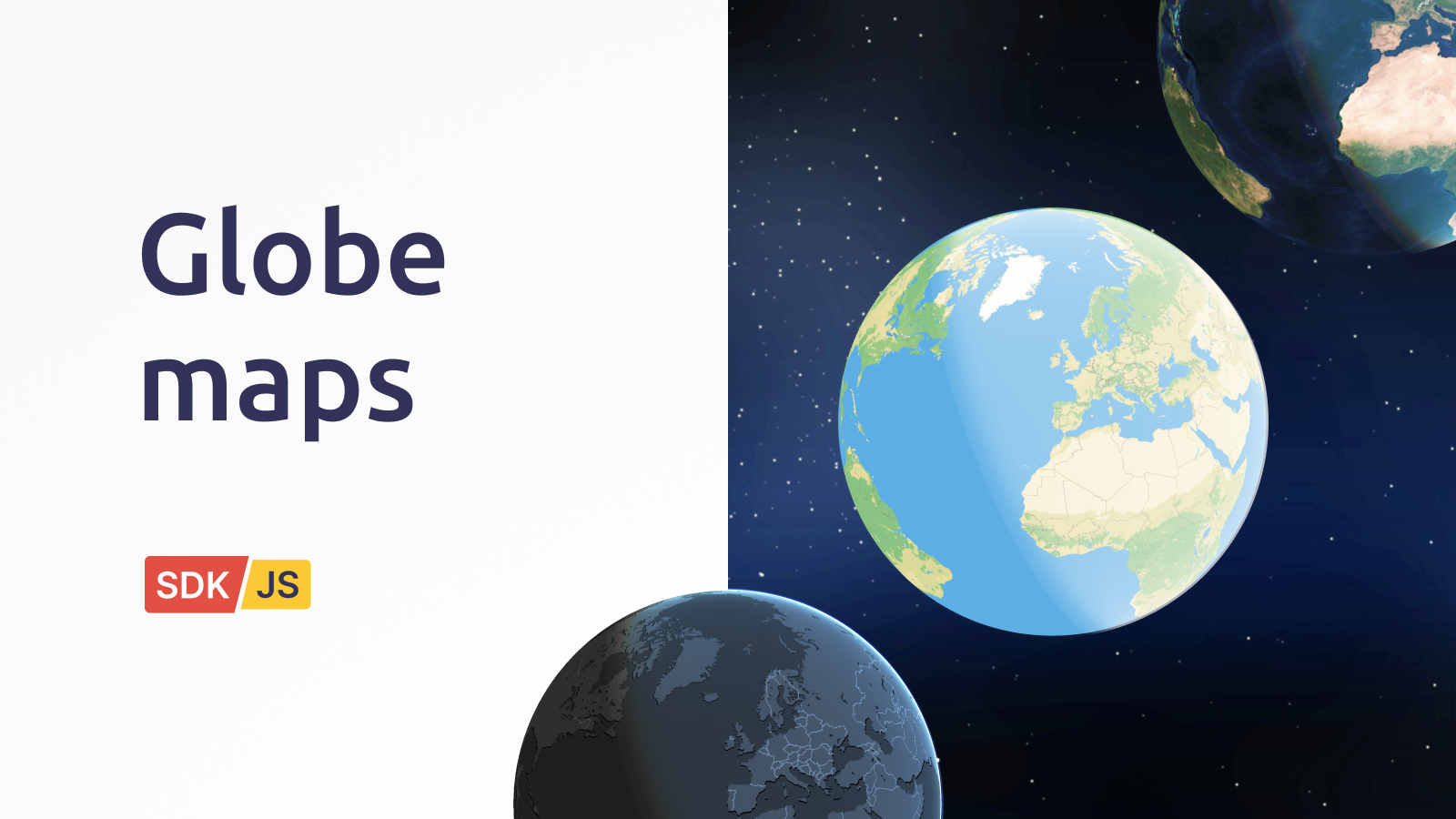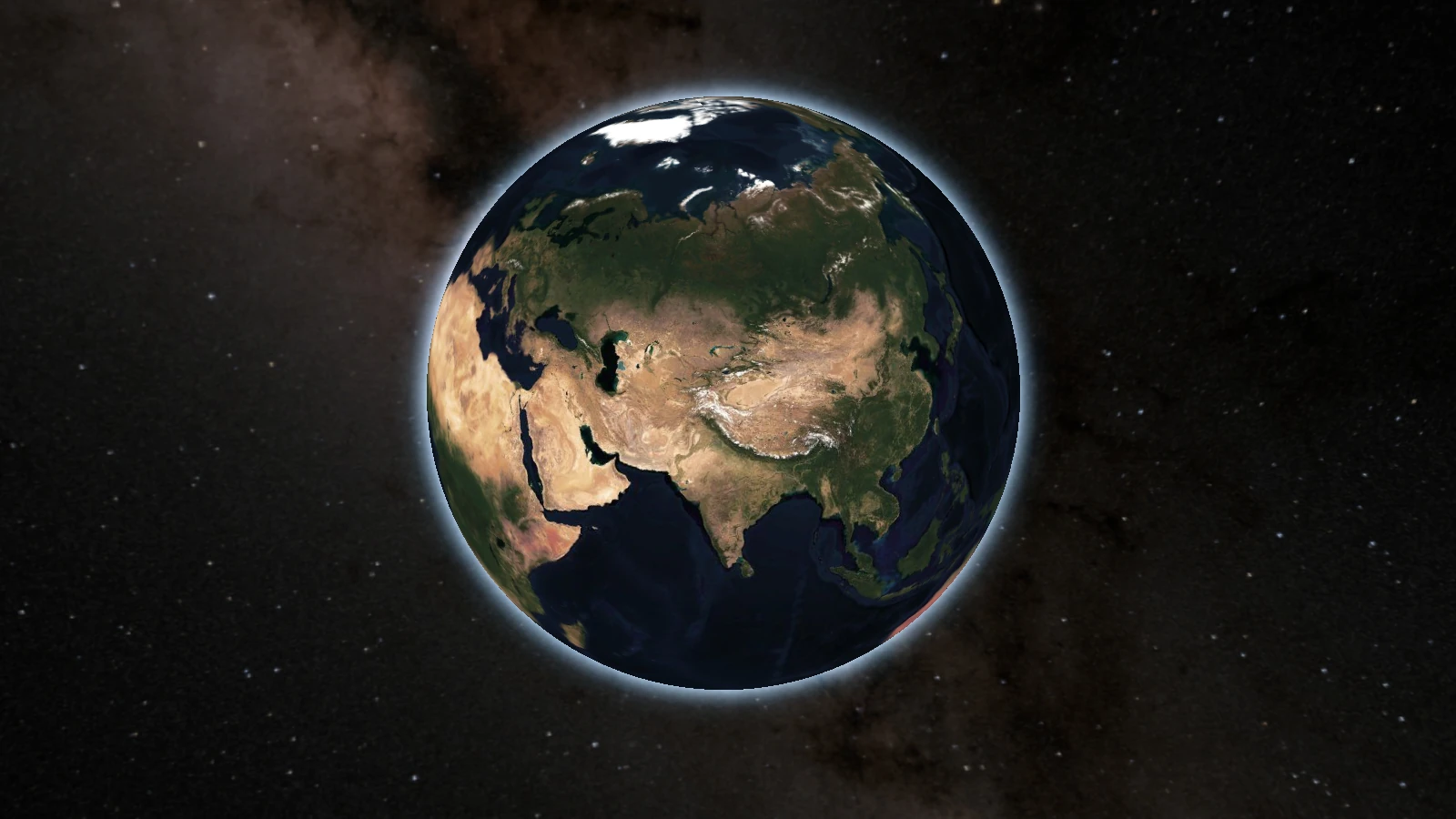
Your maps in a globe projection look much better when you improve the surrounding environment. The new Space and Halo effects add a star-filled background and a subtle atmospheric glow that makes satellite globes feel even more realistic. For colored schematic maps, these same effects create a more harmonious look and increase readability. These features are available through the visual Map designer or programmatically via the SDK.
Customize the halo and spacebox in the Map Designer
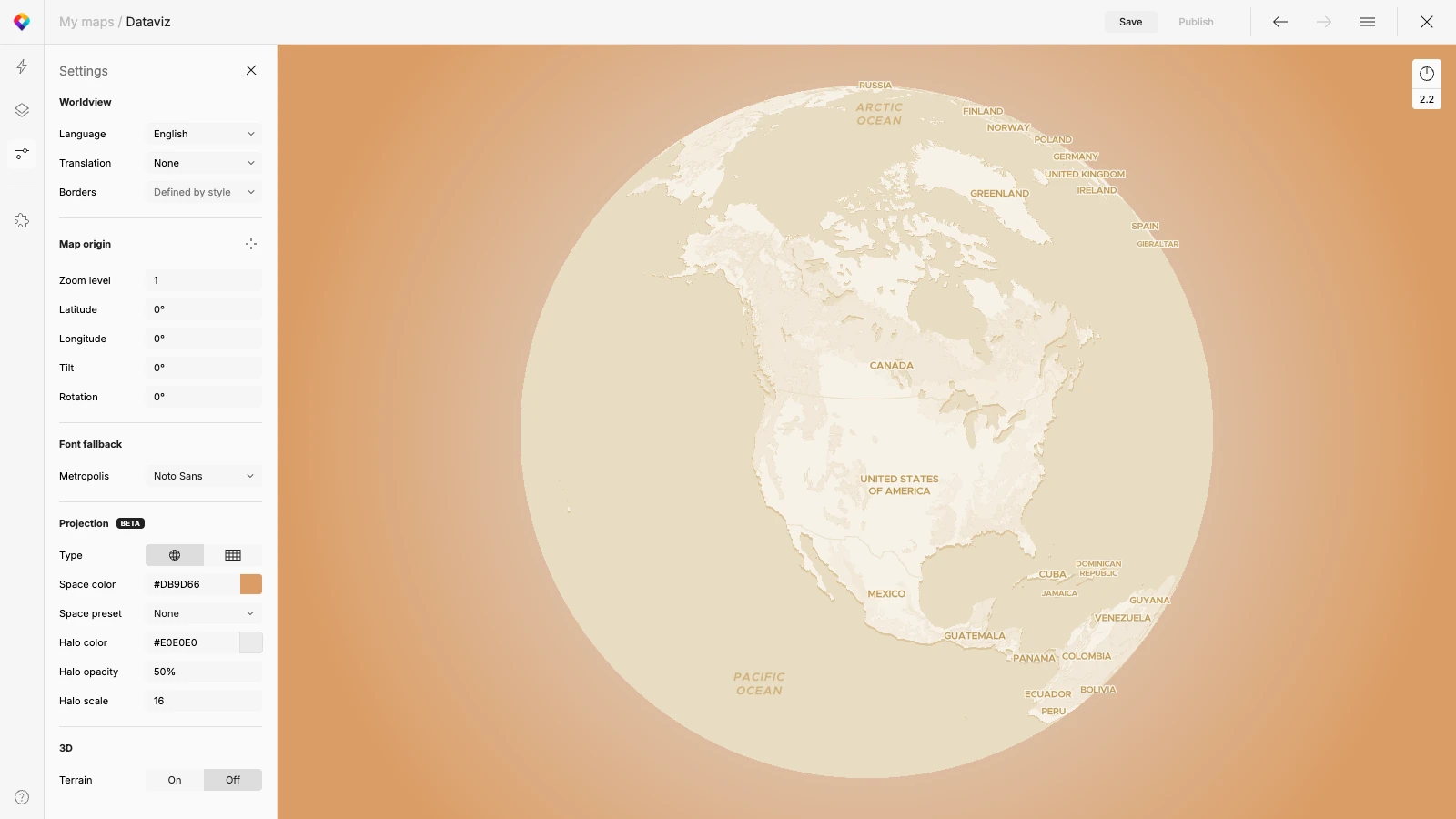
The Map Designer offers the easiest way to add and customize these atmospheric effects. When you switch to the Globe 🌐 Projection in Settings, the Space and Halo options become available.
You now have full control over these effects look:
- Halo: Adjust the color, opacity, and scale to create the perfect glow around the globe.
- Space: Choose from various predefined presets, such as Stars or the Milky Way.
These tools allow the halo and background to fit seamlessly into the rest of the map design.
Set halo in one line of code in MapTiler SDK
Halo and space can also be implemented directly using code in the MapTiler SDK. The standard halo requires just one line of code to enable.
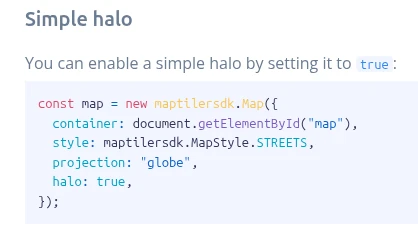
For projects requiring deeper customization, the SDK offers granular control:
- Add complex radial gradients to the halo.
- Set halo properties dynamically after the map loads.
- Implement Space using standard presets or import custom space images.
For more technical details and implementation guides, please read the documentation.