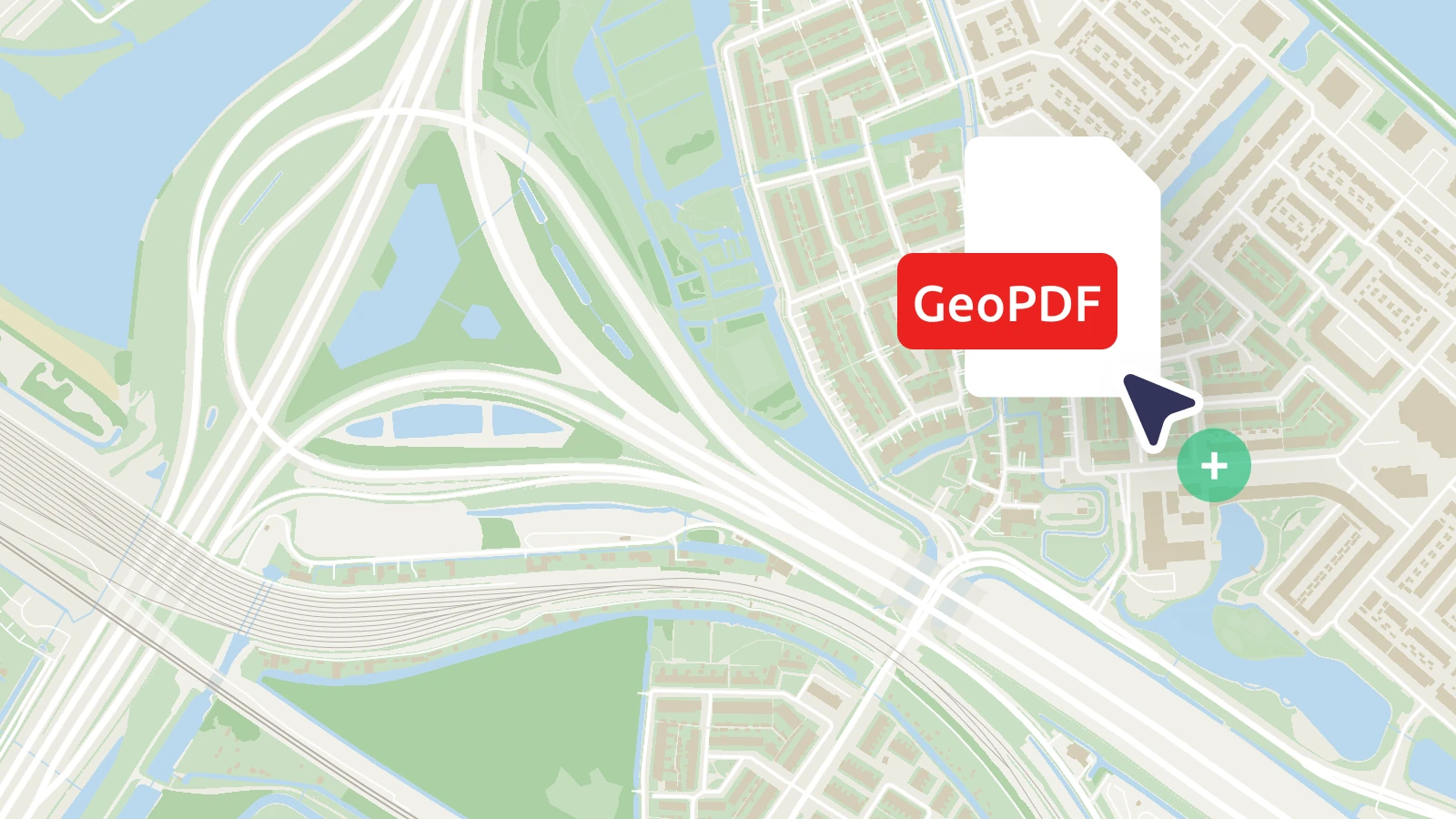
Transforming static engineering, construction, and infrastructure drawings into interactive map layers is now easier than ever. You can now upload georeferenced PDF files (GeoPDFs) directly to MapTiler via the user interface or API.
Automated processing
Once you upload your file, the tiling service automatically processes it and converts it into a high-performance tileset. Your static PDF instantly becomes a zoomable, shareable map layer that you can overlay on your preferred base map in just a few clicks.
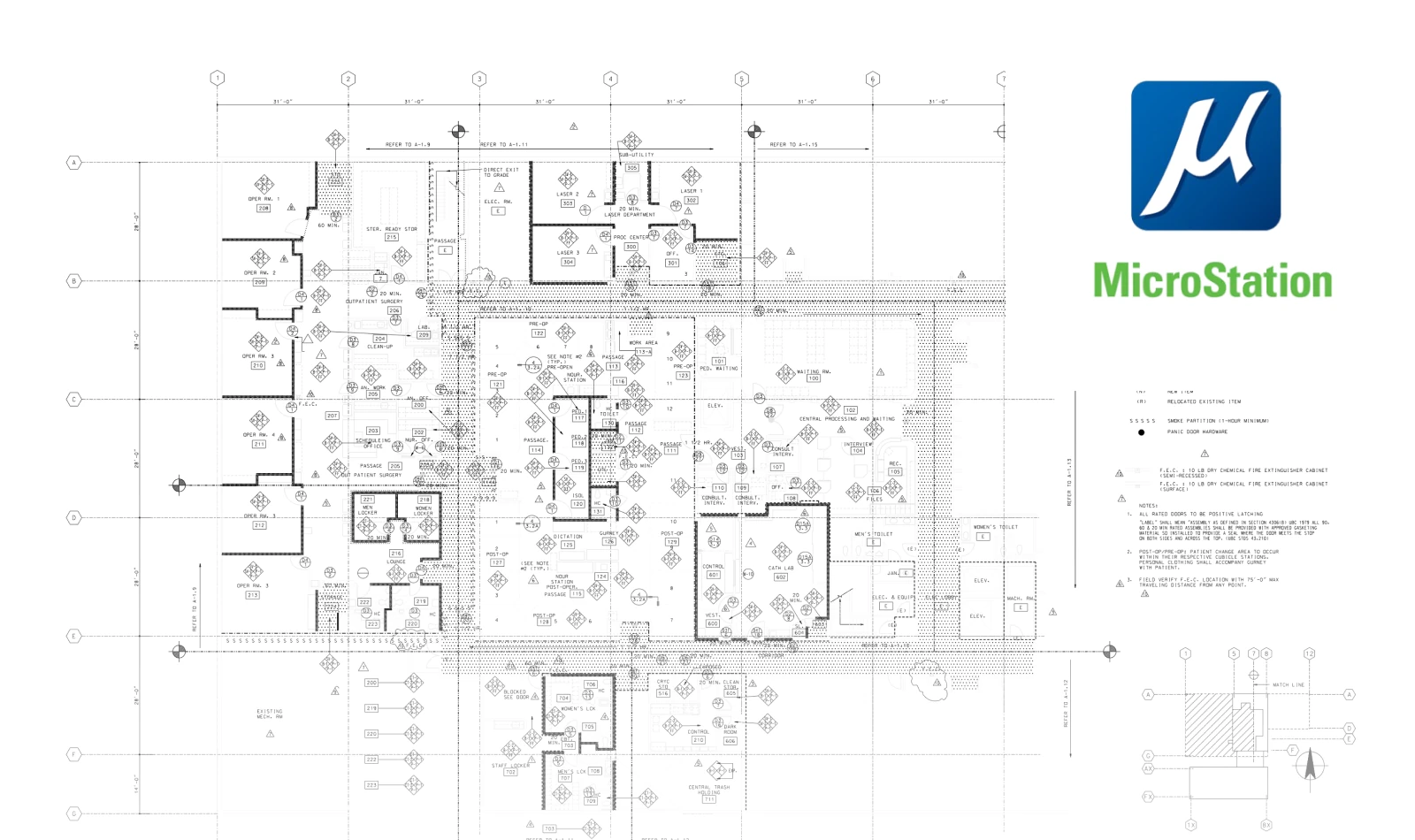
Seamless workflow for Bentley MicroStation users
If you work with Bentley MicroStation, we’ve removed the friction of exporting to intermediate formats. You can put your technical drawings directly on the web using the native PDF driver:
- Open the PDF driver settings (File - Edit printer driver).
- In the Base Properties, go to the submenu Driver properties
- Turn on the Enable Georeferencing property.
Once uploaded, your maps will appear precisely positioned on the globe, ready for use in web or mobile applications.