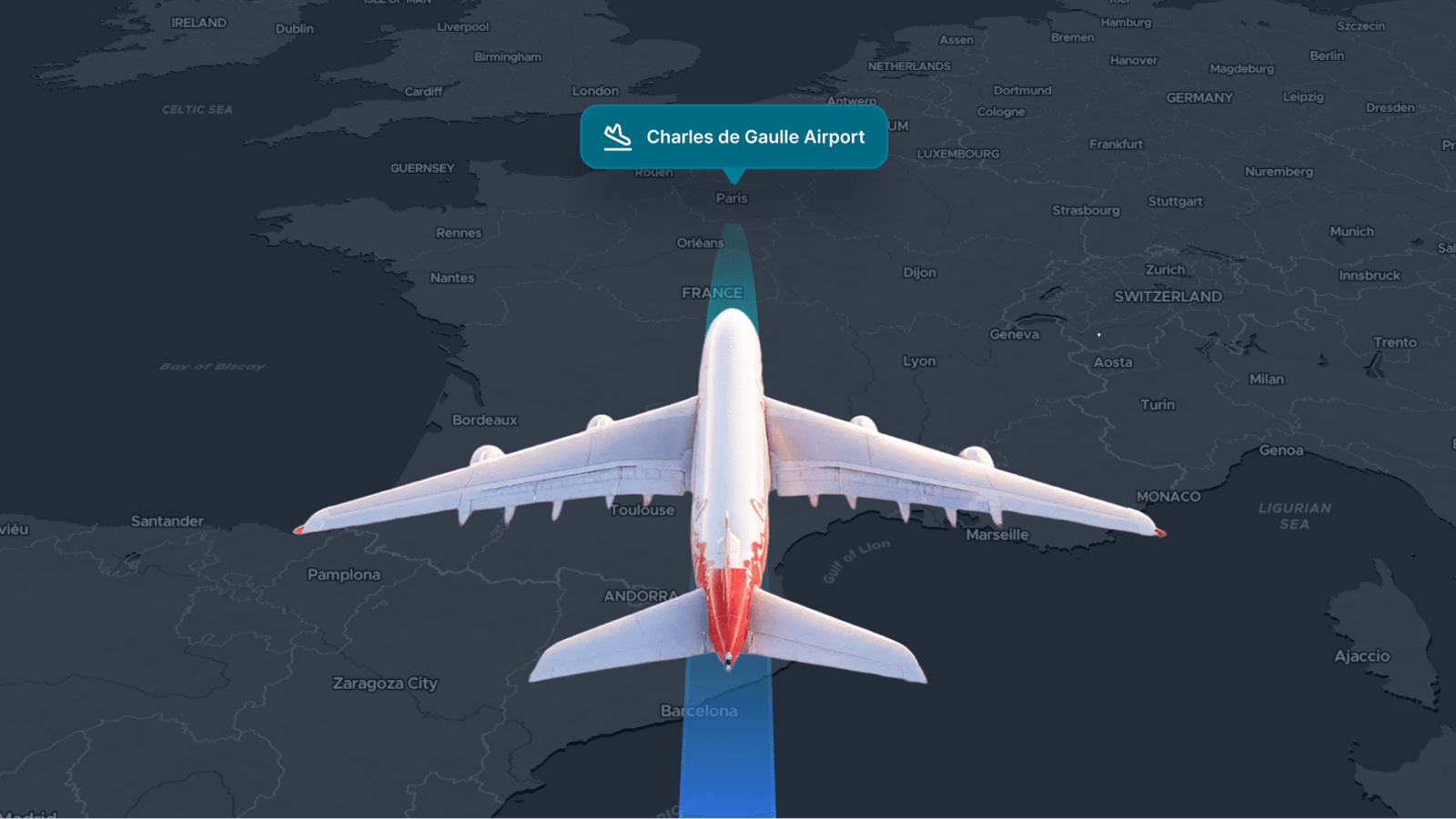
Create interactive map experiences that hold users' attention and engage them with your messaging. Animated routes with dynamic cameras that follow a trail, flight, or road trip take users on a captivating journey, allowing you to tell a story about where they are going and what they will see.
Show tourists what they might see on a trip, navigate visitors around a park or event space, or provide orientation to workers on large sites.
Cinematic journeys shown on maps
Whether it is a high-altitude flight or a ground-level drive, you can sync the camera with a 3D model or 2D marker and trace its journey with precise path data. This is the ideal tool for hiking and biking apps to give users a good idea of the route before they set off, or for tourism websites to show their customers what their travel experience will involve.
We’ve created code examples for animating routes so you can quickly implement them in your apps and web maps. They show you some important techniques that help enhance the engaging experience. These include:
- Animated line styling: Change the color and thickness of the line marking out the route as the camera pans along its length.
- Prologue and Epilogue animations: Add camera movement before and after the route to lead into the main journey and return to the start.
- Animation controls: Start, pause, speed up, and slow down your animation
- Waypoint markers: Highlight key points along the route with markers. These can be symbols or images.
- Dynamic models: Add 3D models to move along the route and orientate them correctly to the direction of travel
Follow these links to start your journey into animated routes:
Animate a 3D model on a route Animate a 2D marker on a route