Now you can make web maps look as beautiful as an atlas with a few quick clicks! We’ve added professional-quality color ramps and hillshades to our design tool so you can apply them to your map styles.
It couldn’t be easier:
- Click Customize on any map style, then use Add layer to add the Terrain RGB layer from the Catalog data sources we provide.
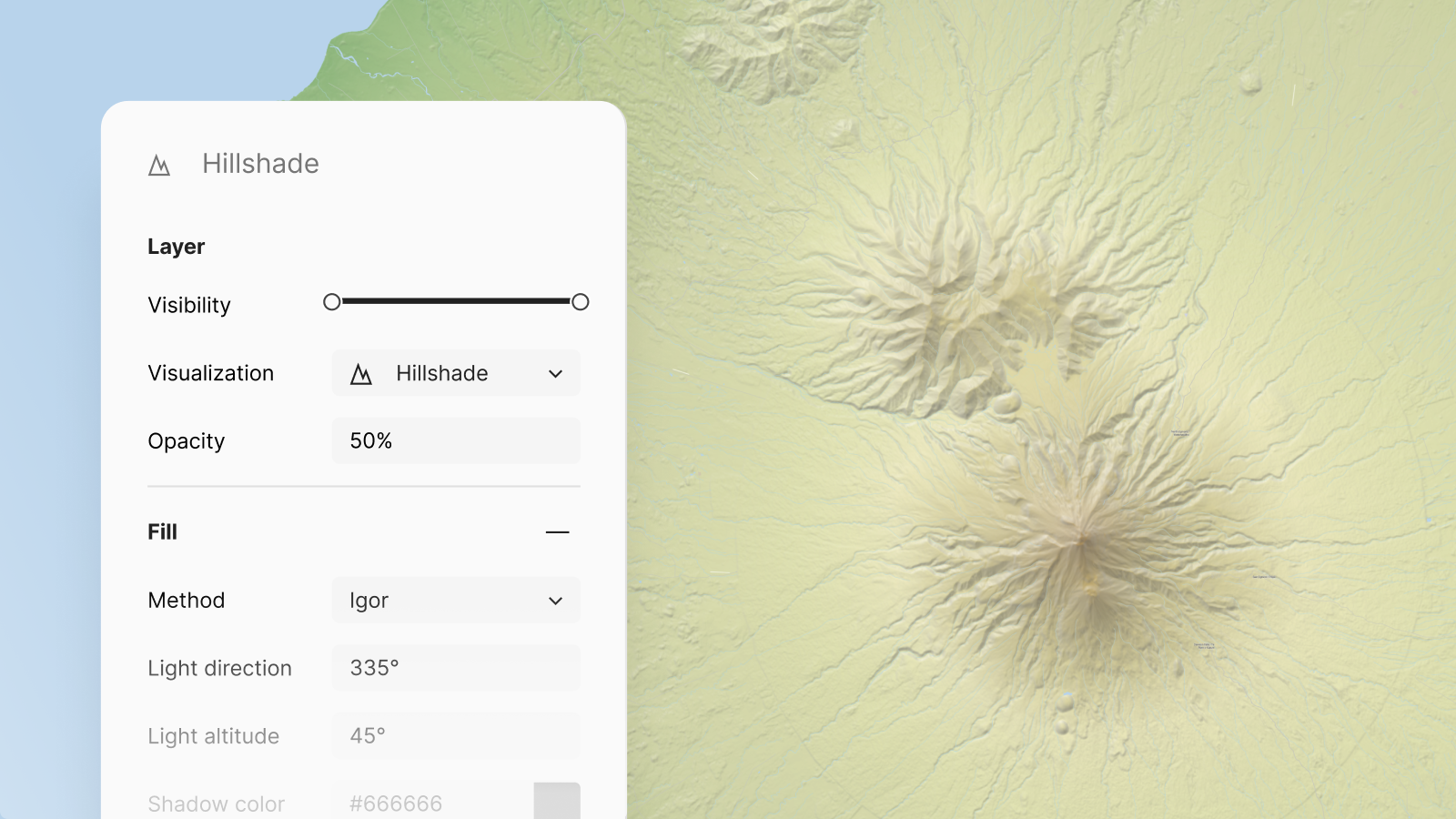
- Select the Hillshade visualization technique to use one of the five options for adding 3D shading to the mountains and valleys.
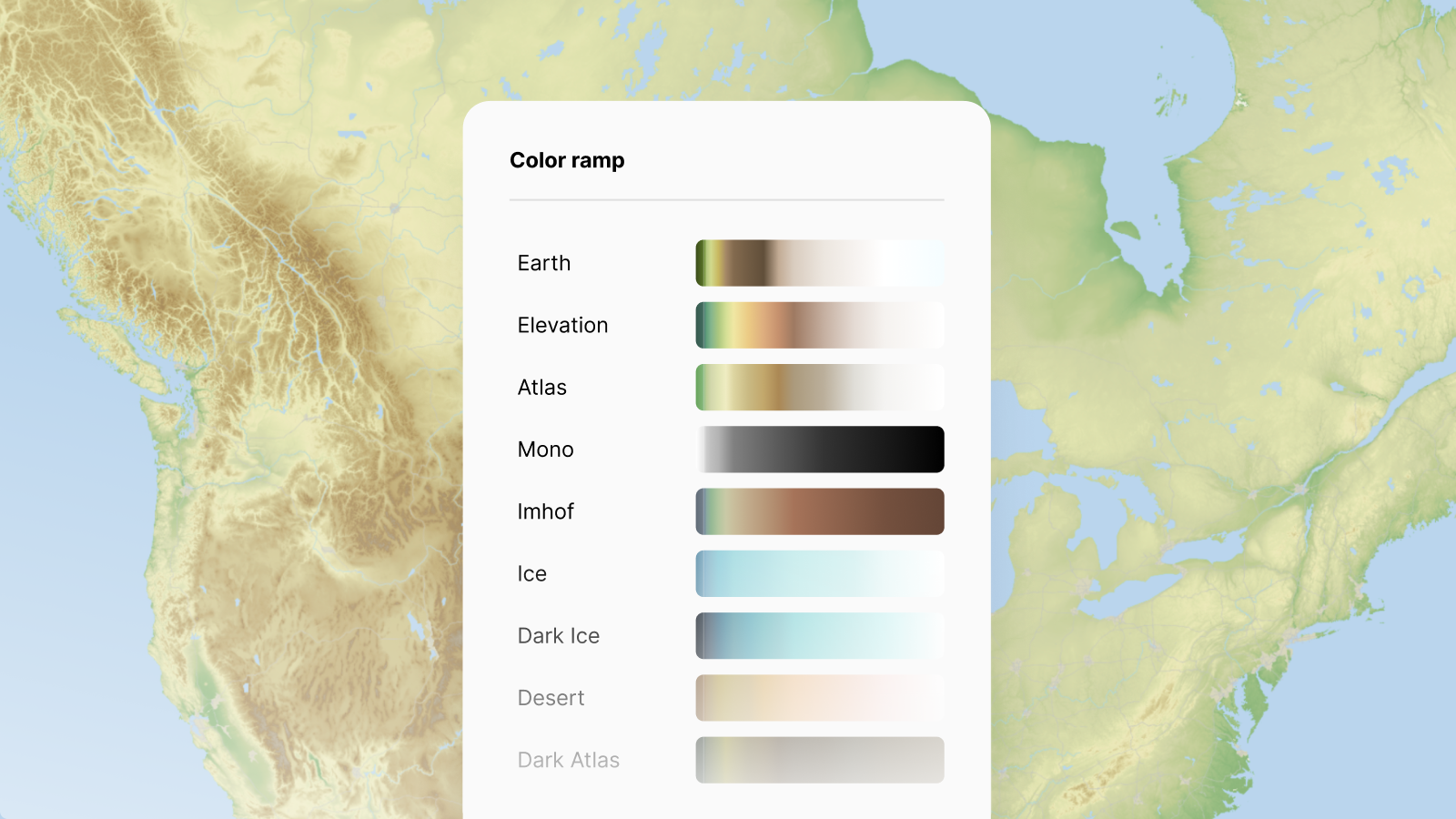
- Select the Color relief visualization technique to color the background based on elevation, with 9 presets and the option to create your own.
Turn your regular web maps into cartographic masterpieces!
Color relief ramps for atlas atyle maps
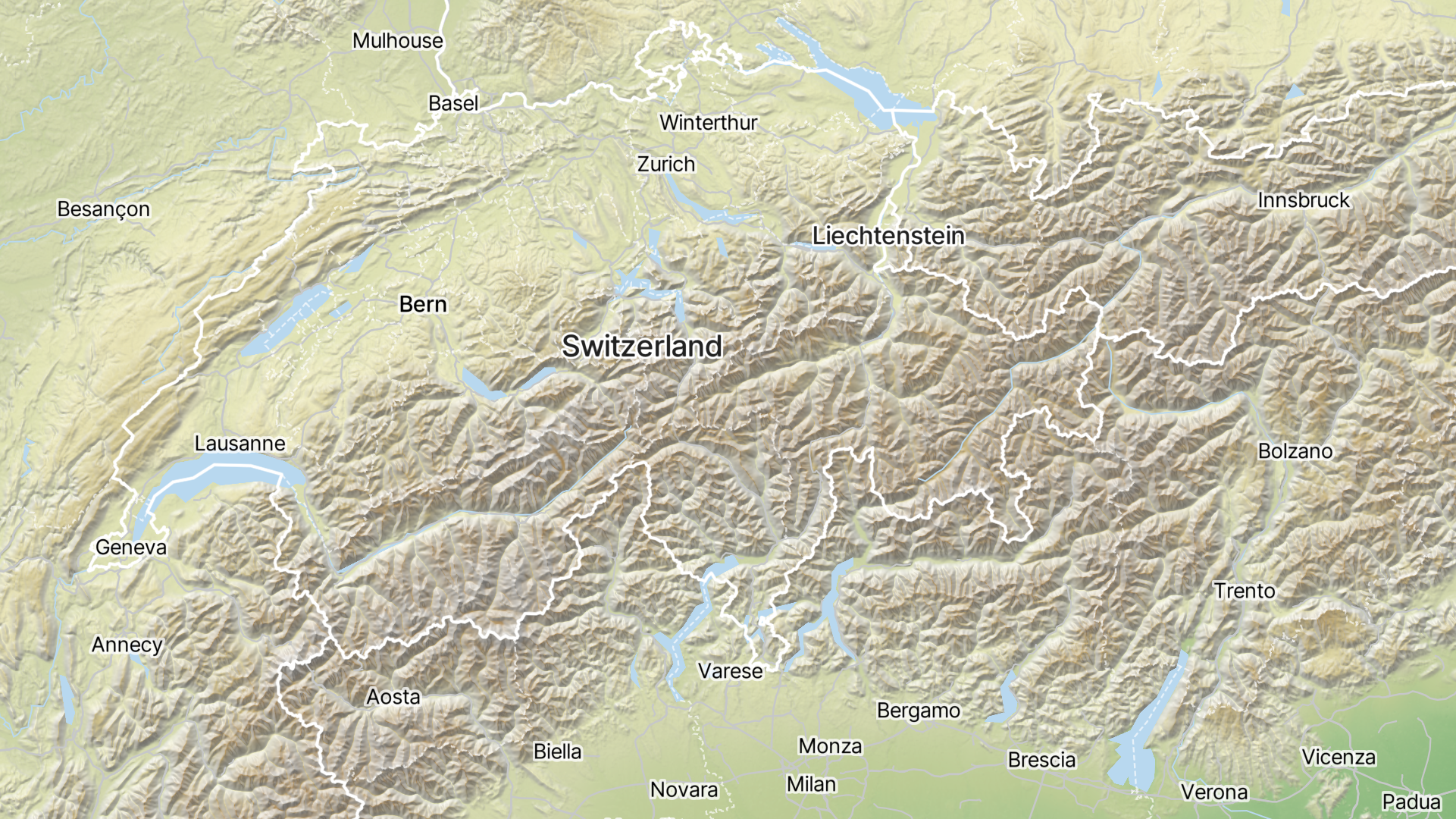
Highlight mountains and make high plateaus stand out with nine new preset color ramps for your maps! There are several temperate color ramps, as well as options for ice and deserts. In addition, we have prepared five color ramps for the oceans to make seamounts and deep ocean trenches more visible on the sea floor.
We have included dark modes for use in low-light environments or dark interfaces. You also have the option to create your own color ramp to match any style you have seen or used for other maps.
Advanced hillshading for webmaps
Take your 3D hillshading to the next level using one of five different methods, all available from an easy-to-use drop-down menu. The Basic and Standard options provide a familiar, robust effect that really stands out. The Igor and Combined options offer a more subtle, beautiful look that complements the data that overlays it.
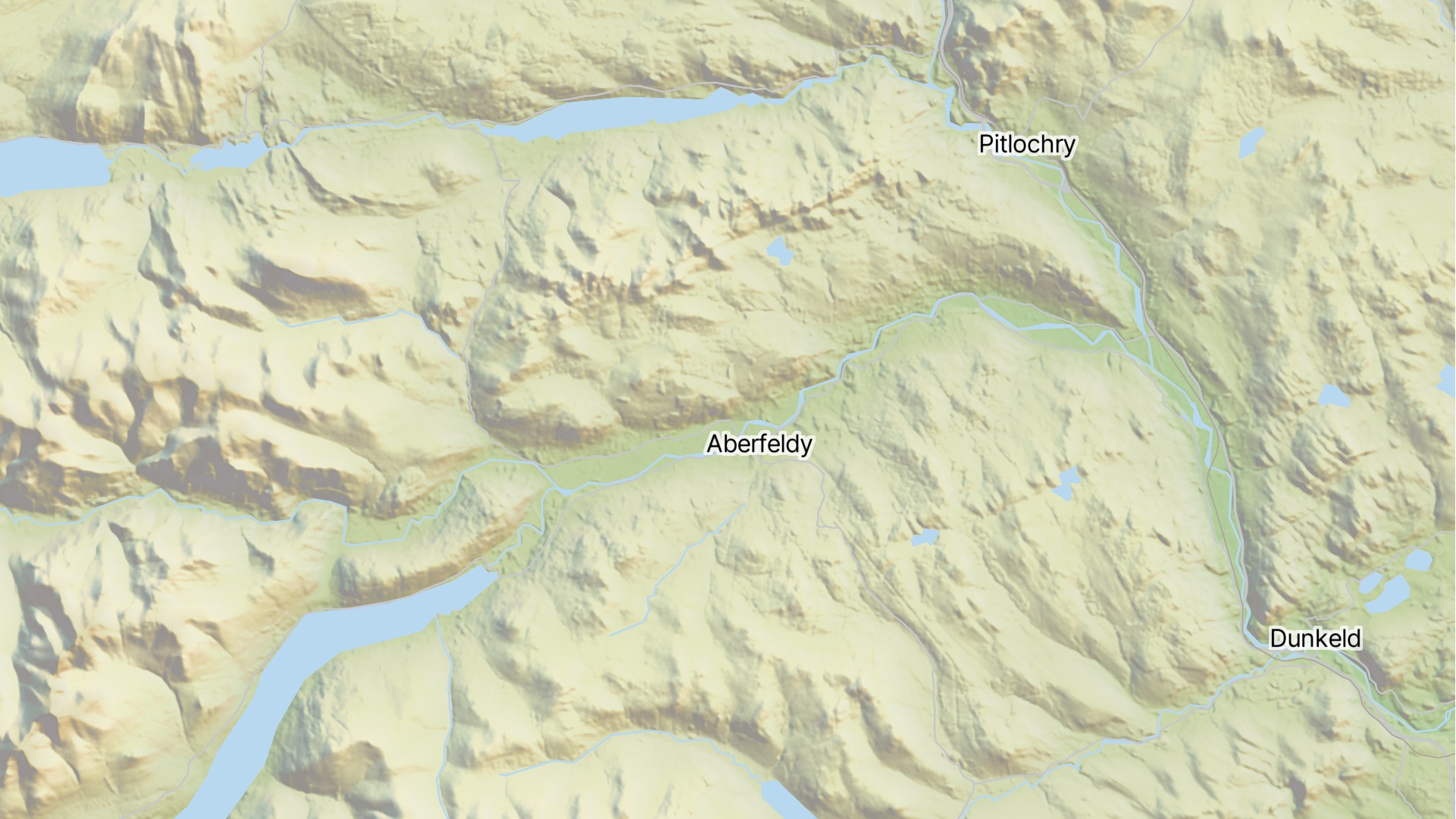
For full manual control, select Multidirectional, which lets you adjust the color, direction, and intensity of 4 different shades, which are then combined into a single layer. Have a look at the sunrise effect created here for the Scottish Mountains.
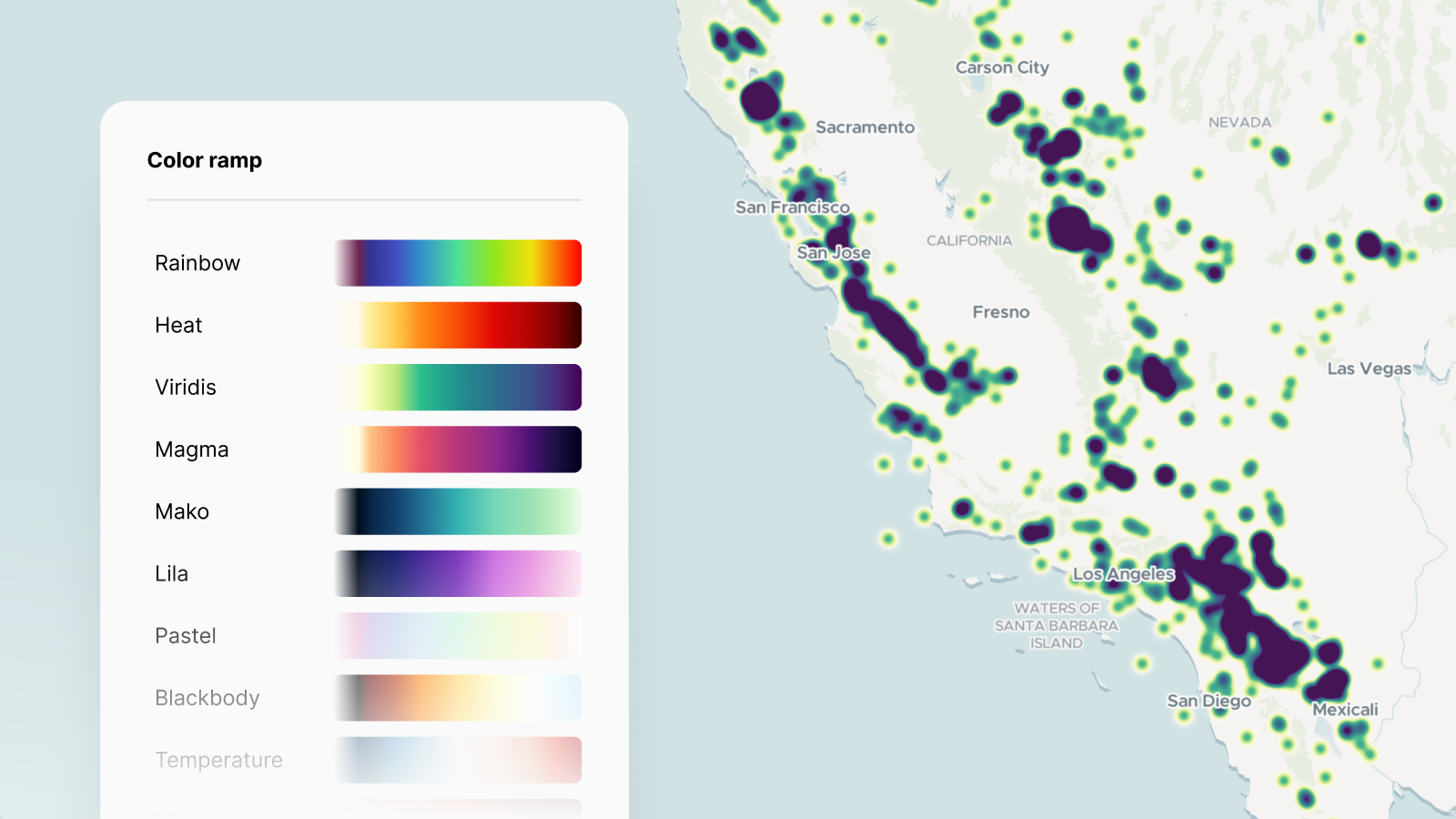
Custom heatmap color ramps
Heatmap visualizations have also been upgraded with a new selection of color ramps and the ability to define custom ramps, enabling more personalized, impactful map designs.