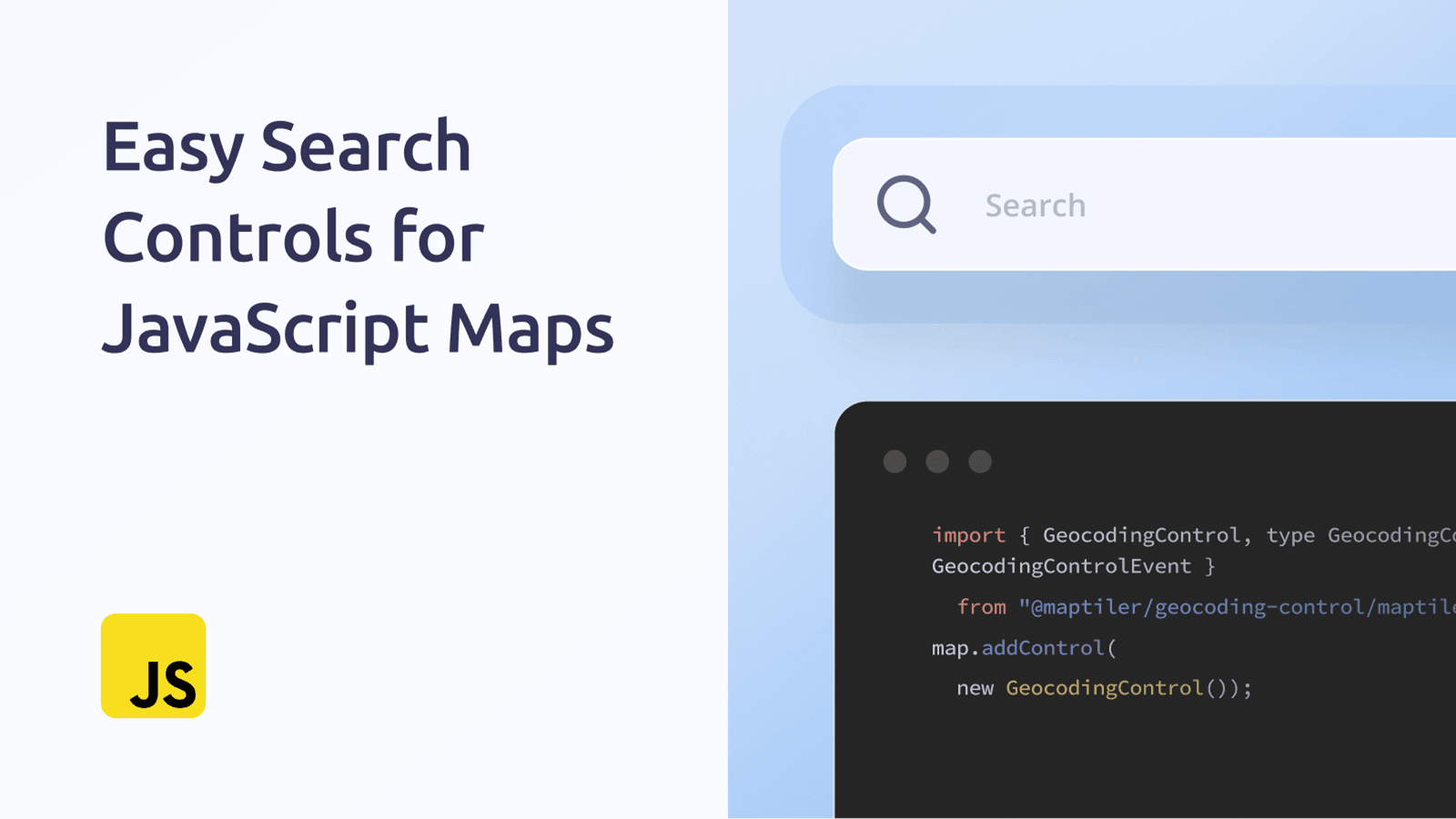
Add a complete place search to your map or other frontend application as a standalone control. Version 3 of MapTiler’s Geocoding control removes the dependency on Svelte, so you are now able to build applications more cleanly using a single library if you want.
We’ve implemented a new approach: each map library provides its own standalone, self-contained map control, which you use in the same way as any other control from that library. This means it's as easy to add a geocoding control as it is to add zoom buttons. With a few lines of code, you can have a search box powered by MapTiler’s geocoding service in maps built with our SDK, MapLibre GL, Leaflet or OpenLayers. We have detailed documentation on how to migrate to Version 3, however you want to set it up, here:
What are Geocoding Controls?
The geocoding control implements a complete place search in your map or other frontend application. This can be a basic search box on your map, or you can configure it to ensure your users get better results. As usual, we have provided detailed documentation on how to do this. Try out these examples:
- Limit results by country
- Limit results by a bounding box
- Draw a custom search area
- Prioritize nearby results
- Search specific place types
- Set search language
The search control has many more powerful configuration options, including autocomplete, predictive text, and highlighting search results on the map. Check out the geocoding control API reference to see all options.
Switch your Geocoding to MapTiler
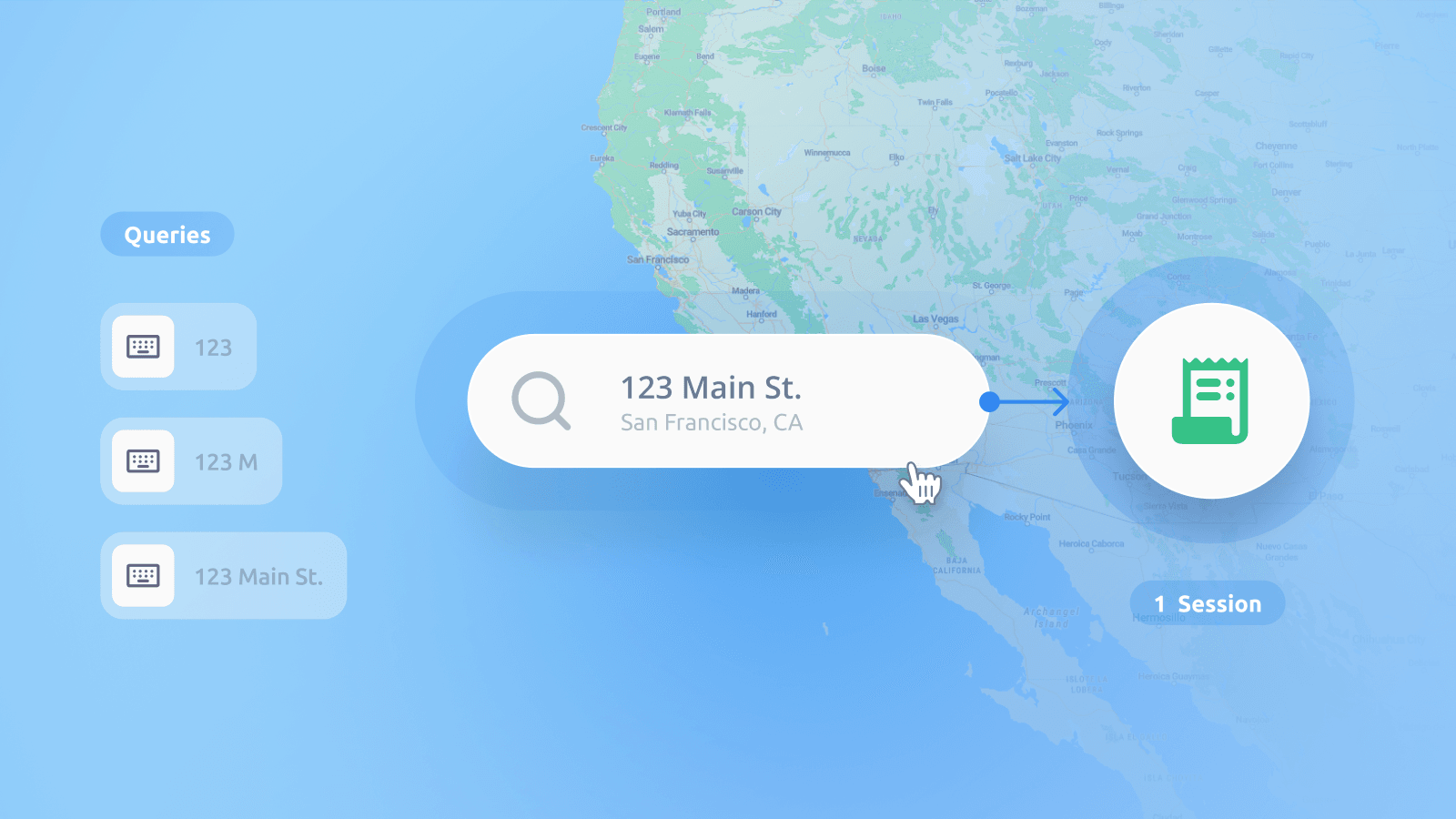
The MapTiler SDK and Geocoding control are fully functional and allow you to get the most from MapTiler’s base maps. You can also take advantage of session-based billing for geocoding and map usage, which can significantly reduce costs.
Switching is very straightforward, and we have provided all the information you need in the documentation: