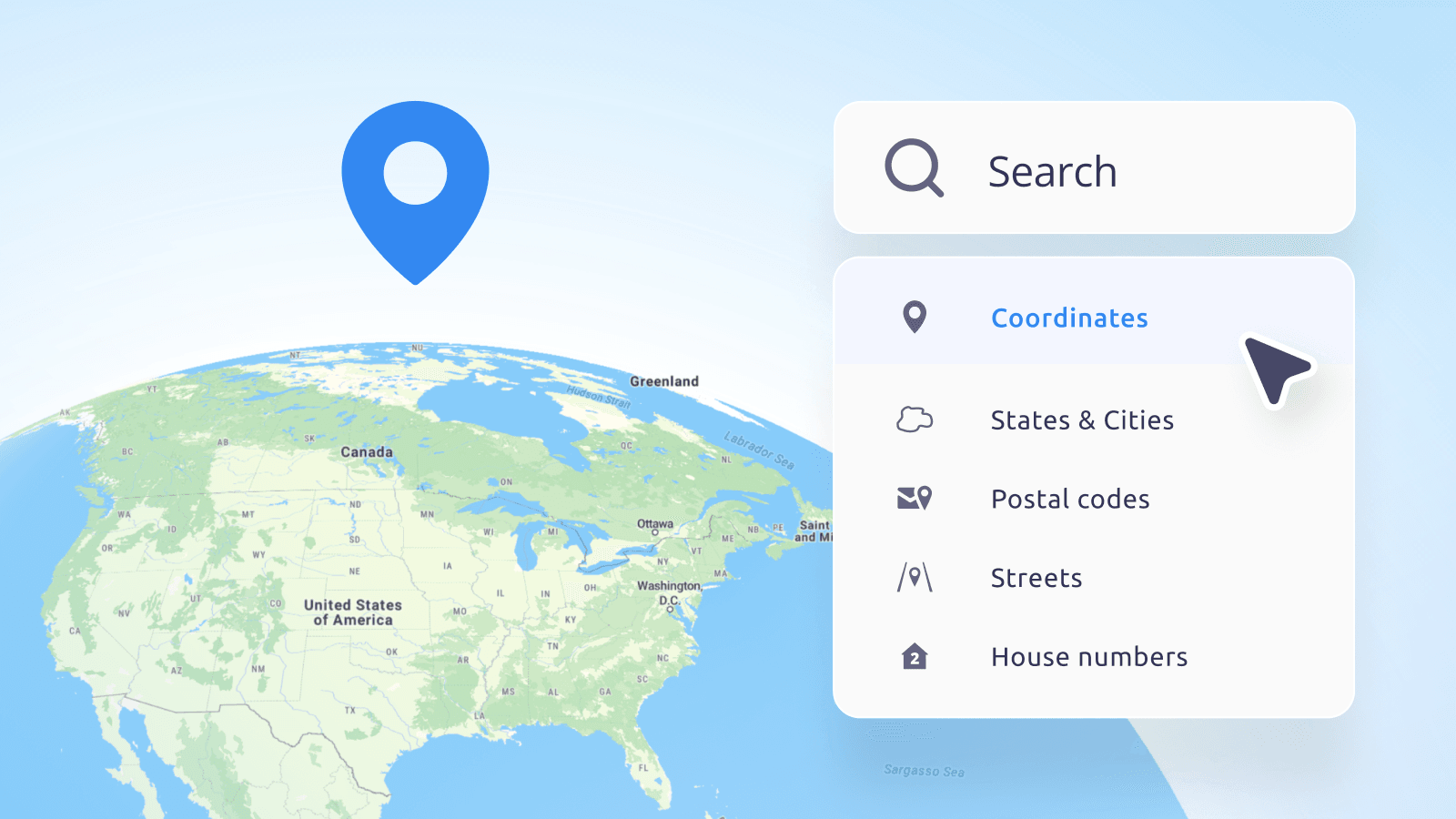
MapTiler Geocoding is a powerful tool for converting addresses into coordinates (forward geocoding) and coordinates or click locations into addresses (reverse geocoding). While the default settings work well for most use cases, understanding the underlying logic and available parameters allows you to fine-tune the results for specific needs, such as high-precision address matching in the USA or looser searches based on user input.
For a complete reference of all available parameters, please consult the How to set geocoding parameters page in the documentation. There is also a page for setting up On-prem geocoding.
This guide dives into the "behind-the-scenes" mechanics of our geocoder and provides actionable tips to improve your search results.
Under the hood: How we understand your geocoding query
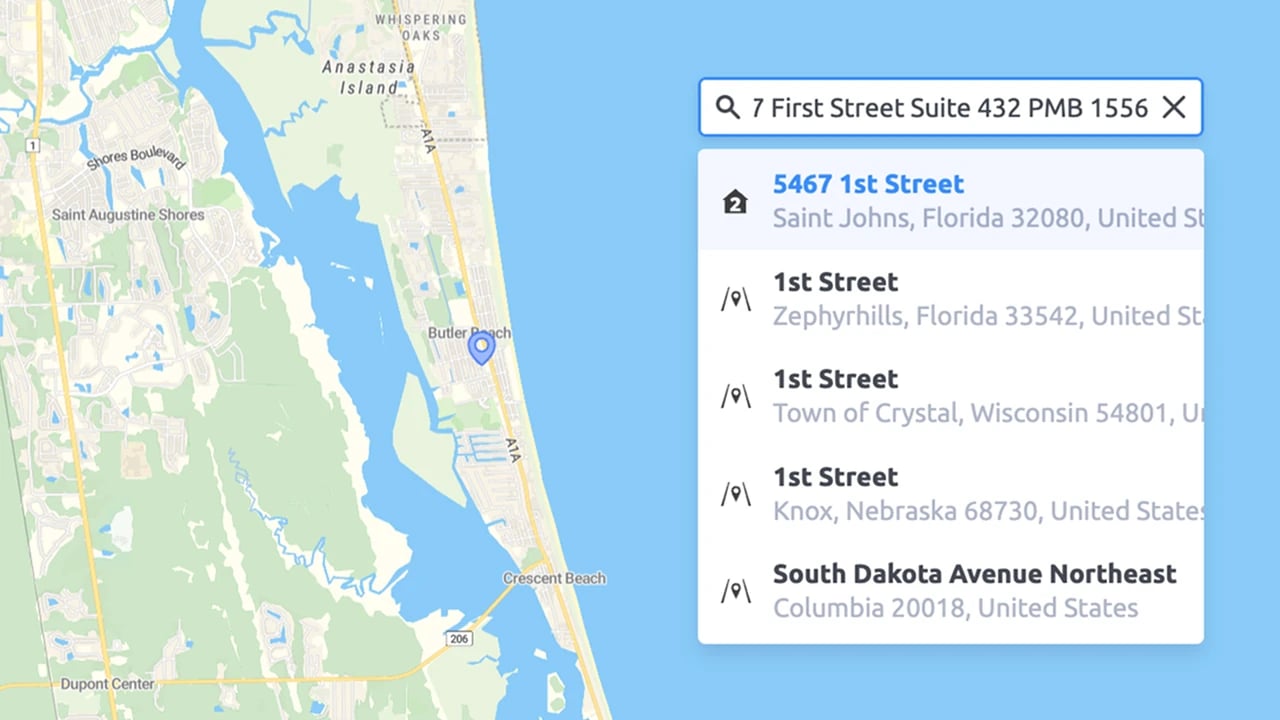
Geocoding isn't magic; it's a sequence of logical steps. When you send a query like 123 Main St, Springfield, the engine doesn't just look for that string in a database. There are two main steps it goes through:
1. The Parser
First, we use a sophisticated parser to interpret your input string. The parser tries to identify which part of the text is a house number, street name, city, postal code, or country.
- Example:
1600 Pennsylvania Ave NW, Washington, DC1600→ House NumberPennsylvania Ave NW→ StreetWashington→ CityDC→ State
Why this matters: Unlike some other geocoders that try to strictly identify the index first and then search within it, the MapTiler geocoding engine takes a different approach. It searches for all potential parts of your query across all indexes simultaneously. Then, it attempts to assemble these parts into a coherent address, applying penalties for combinations that don't make logical sense (e.g., a street name that doesn't exist in the identified city). Providing structured queries or hinting with the language parameter helps the engine apply these penalties correctly and serve the most coherent result.
2. The Hierarchy
We search using a "Specific to General" approach:
- Exact Match: We look for the exact address point first.
- Fallback: If the street number isn't found, we return the street centroid. If the street isn't found, we fall back to the city, then the region, and finally the country.
The power of parameters in geocoding
Beyond the basic query string, several parameters control how the engine interprets and ranks results. You can find the full list in the API Reference.
1. Search result types (types) and index hierarchy
You can restrict the search to specific types of places using the types parameter (e.g., types=municipality,poi). However, this requires caution because the mapping of local administrative hierarchies to our universal model varies by country, and there is a critical distinction between administrative boundaries and populated places.
The "City" Dilemma
What constitutes a "city" varies wildly across the globe:
- Prague is technically a
region. - Washington D.C. has state-like autonomy.
- Tokyo is a prefecture that includes the main agglomeration, as well as islands hundreds of kilometers away.
While a municipality is often the best fit for a standard "city" or "town," it is not a universal rule.
Administrative vs. Populated Places
A common source of confusion is the difference between these two concepts:
- Municipality (
municipality): This is an administrative boundary. It represents the legal jurisdiction of a local government. Municipalities can be large, covering the main city plus surrounding rural areas, forests, or smaller settlements.- Note: A
municipalityindex might point to the geometric centroid of the administrative polygon, which could be deep in a forest!
- Note: A
- City / Town / Village: These are populated places. They represent the built-up area where people actually live.
Choosing the right strategy for your app
- For Global Apps: It is safer to keep multiple index types enabled (e.g.,
region, subregion, county, joint_municipality, municipality, ...) rather than cherry-picking just one. - For Local Apps: If you are building for a specific country (e.g., only France), test which hierarchy level best aligns with your users' expectations in that region and filter accordingly to remove noise.
Pro Tip: Even if the administrative hierarchy is complex, we preserve the original classification where available. Check the properties.place_designation field in the response (e.g., city, town, village) to see how the place is defined in the source data, regardless of which index it was found in.
2. Country filtering (country)
The country parameter is a fence and acts as a strict filter.
- Behavior: Only searches for results within the specified country codes (ISO 3166-1 alpha-2, e.g.,
us,de,fr). - Exclusion: There is no "exclude" parameter. To exclude a specific country, you must list all other countries you want to include. Everything not in the list is ignored.
- Parsing Impact: As mentioned earlier, setting
country=us(combined withlanguage=en) triggers specialized parsing for US addresses, improving handling of unit numbers like apartments and suites. - Example: Check out our JS SDK example to see country filtering in action.
3. Strict boundaries (bbox)
Similar to countrybbox (bounding box) parameter is a strict filter.
- Behavior: Results outside the defined
bboxare strictly excluded. - Use Case: If your app is strictly for "New York City real estate," set the
bboxto NYC. Searching for "London" will return nothing (or London, NY, if it exists inside the box), effectively filtering out irrelevant global results.
4. Typing suggestions (autocomplete)
The autocomplete parameter controls whether the engine should treat your query as a "work in progress" or a finished statement.
autocomplete=true(Default):- Use Case: Interactive search bars where the user is currently typing.
- Behavior: The engine guesses what might come next. If you type "Lon", it suggests "London". If you type "10 Downing", it suggests "10 Downing Street".
- Why use it: It provides a smooth "search-as-you-type" experience.
autocomplete=false:- Use Case: When the user hits "Enter" or when processing a database of complete addresses (batch geocoding).
- Behavior: The engine treats the query as complete. It will not try to add words that aren't there.
- Why use it: To avoid "hallucinations." If a user types a specific but incomplete address like "123 Main St" (and stops there),
autocomplete=truemight suggest "123 Main St, Springfield" just because it's a popular completion.autocomplete=falsewill strictly look for "123 Main St" and might return a street centroid if the specific house number doesn't exist, rather than guessing a different city.
5. Language (language)
The language parameter does more than just translate the output names. It gives the parser a crucial hint about the expected address format.
Format Hinting:
- In English (
en), addresses typically follow[Number] [Street], [City]. - In German (
de), they often follow[Street] [Number], [City]. - In French (
fr), you might see[Number] [Type] [Street].
By setting language=de when searching for a German address, you help the parser correctly identify "Strasse 10" as "Street + Number" rather than just a street name.
Ranking Side-Effect: Be aware that setting a language can prefer results that have a translation in that language. If a place lacks the specific translation, it might rank lower. If you are missing an expected result, try removing the language parameter to see if it appears.
6. Location bias (proximity)
Unlike bbox, which is a fence, the proximity parameter acts like a magnet, biasing results towards a specific point. This point can be derived from the following:
- User's IP Location: Automatically detected (less precise).
- Map Center: The coordinates of the map currently displayed on the screen.
- Device GPS: High-precision location from a mobile phone.
Concept: "I want results near me, but not only near me. If a user searches for "Paris" while in Texas, proximity might prioritize "Paris, Texas" over "Paris, France."
- Best Practice: Use
proximityfor map interactions (e.g., "search this area"). For global search bars, consider leaving them empty or using a bounding box if the context is known. - Example: See how proximity biases search results in our JS SDK example.
7. Typo tolerance (fuzzyMatch)
The fuzzyMatch parameter controls how strictly the engine adheres to the exact spelling of your query.
fuzzyMatch=true(Default):- Use Case: Almost all standard user searches.
- Behavior: Allows for typos, misspellings, and phonetic variations. "Prais" might find "Paris".
- Why use it: Humans make mistakes. This ensures they still find what they are looking for.
fuzzyMatch=false:- Use Case: Automated systems, strict data validation, or when looking for a specific ID/code that could be easily confused with a common word if typos were allowed.
- Behavior: Only returns results that match the query exactly (or very closely).
- Why use it: To filter out noise when you are confident the input is correct and want to avoid irrelevant partial matches.
A Word of Caution on Tuning
Parameters like fuzzyMatch, autocomplete, language, and proximity are powerful levers that can heavily impact your final search results.
- Defaults are usually best: The default values are carefully calibrated to work well for the vast majority of use cases.
- The Risk: Aggressively changing these defaults can lead to unexpected behavior. For example, forcing
autocomplete=falsemight break the experience for users who don't finish typing their sentences. - Advice: If you are unhappy with the standard results, feel free to experiment with these parameters. However, always carefully evaluate the results across a variety of test cases, not just the single problem query, to ensure you haven't introduced regressions elsewhere.
Building regionally specific geocoding searches
Different regions have different address standards, and our engine adapts accordingly.
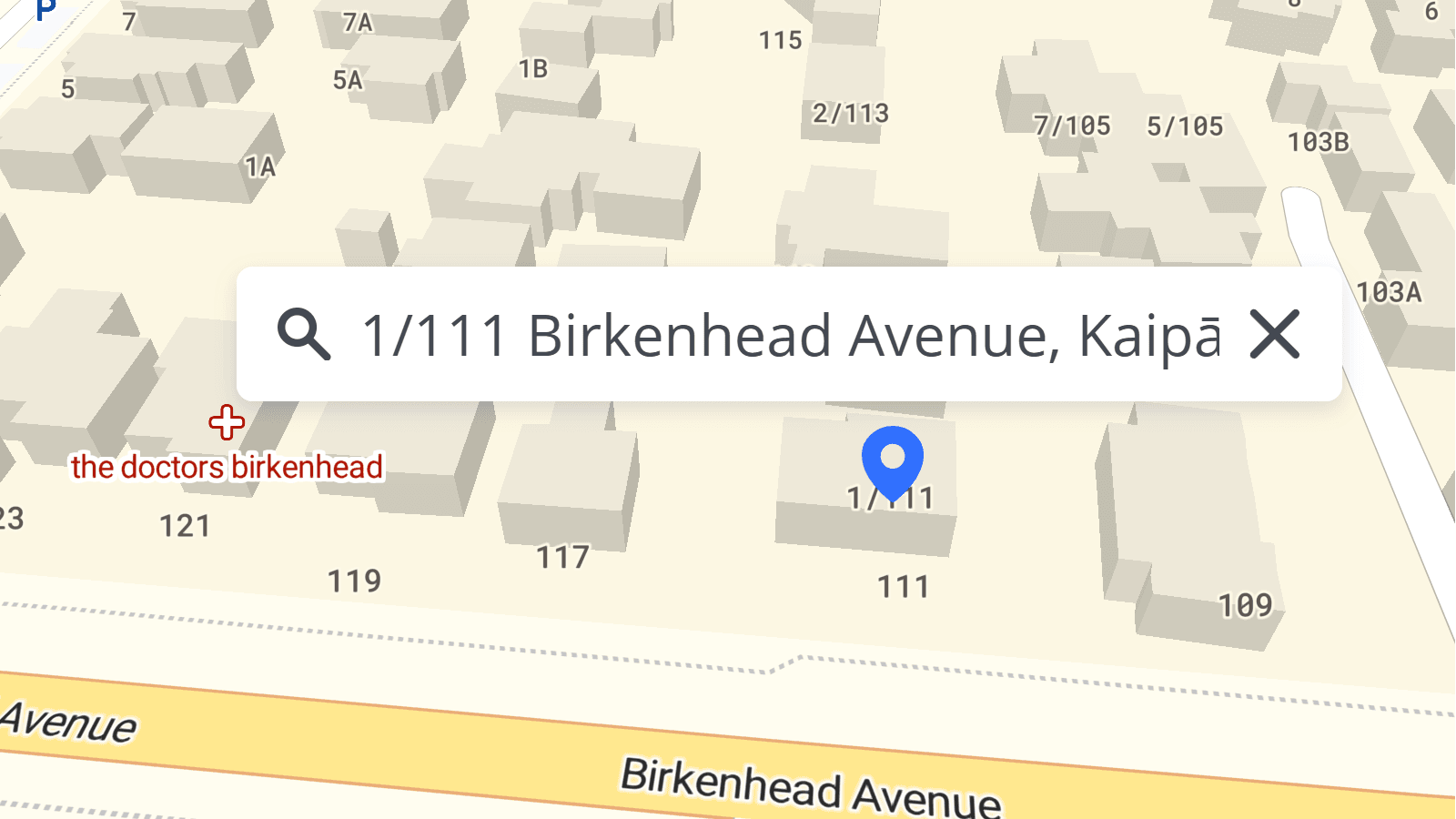
1. USA address points
- Strictness: US addressing is often very structured (
Number Street, City, Zip). - Coverage: We combine several high-precision datasets to ensure maximum coverage and accuracy:
- Direct Government Integration: We have direct integration pipelines for New York State, Texas State, California counties, and others, sourcing data straight from official government formats.
- OpenAddresses & OSM: For the rest of the US, we utilize OpenAddresses data layered on top of OpenStreetMap.
- TIGER: This dataset is primarily used for high-quality postal code coverage and validation.
- Abbreviations & Ordinals: Our engine automatically handles common abbreviations (e.g.,
StvsStreet,AvevsAvenue) and ordinal numbers (e.g.,9thvsNinth). You do not need to manually normalize these in your queries. - Enhanced Parsing for US Addresses:
For even better results with US addresses, especially those containing sub-units like apartments, floors, or suites, explicitly setcountry=usANDlanguage=en.
This combination activates a specialized parsing mechanism designed to handle complex US address formats with high precision.- Note on Sub-units: While this parser correctly identifies apartment numbers or suites, they are currently stripped from the search query to ensure we find the correct building or address point. Searching for "Apt 1" vs. "Apt 2" will return the same result (the building entrance).
- Need this for other regions? If you have a use case requiring this level of parsing detail for other countries or languages, please contact our support team.
2. Europe
- Compound Names: In countries like Germany or the Netherlands, street names are often single compound words (
Bahnhofstrasse). Our engine handles fuzzy matching to split these compound words; however correct spelling is more critical here than in the English separated addresses. - Administrative Hierarchy: European addresses often rely heavily on the
cityorpostcodeto distinguish between identical street names in neighboring villages.
3. House numbers with slashes
Many countries use special characters in house numbers (e.g., 10/2, 10-2, 10a, 10 bis).
- Global Handling: We have recently upgraded our search engine to better handle alphanumeric house numbers and slashes across most regions.
- Verification: While we cover the majority of local formats, edge cases can exist. If your application relies heavily on complex house numbering in a specific region, we recommend running a few test queries to verify the behavior matches local expectations.
Points of interest (POIs) searches
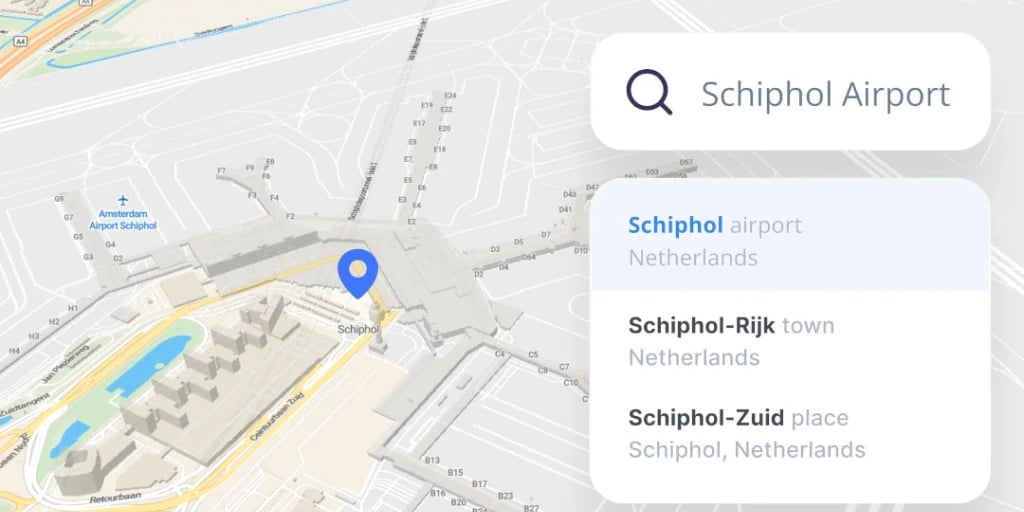
By default, our Geocoding API is optimized for place search and address points to keep results clean and relevant for most navigation and form-filling use cases.
- How to Enable: You can manually include POIs by adding poi to the types parameter (e.g.,
types=address,poi). - Limitation: Currently, you can only search for POIs by name (e.g., "Eiffel Tower"). Searching by category (e.g., "Restaurants near me") is not yet supported in the standard geocoding endpoint.
- Coming Soon: We are working on a dedicated POIs API that will support rich category search, filtering, and detailed metadata for points of interest.
Troubleshooting: "Why can't I find it?"
If a query fails, check these common culprits:
- Check the Score: Look at the
relevancescore in the JSON response. A low score (< 0.5) indicates a "fuzzy" match or a fallback (e.g., we found the street but not the number). - Missing Addresses: Sometimes an address exists in the real world (a new build) but not yet in the dataset. We update our data monthly, so missing addresses are likely to appear in the next update cycle.
- Parsing Errors: Did you input
London, Baker StreetorBaker Street, London? While we handle both, the standard format for the target region usually performs best.
For more information, check out the How to set geocoding parameters page in the documentation.
Still Stuck?
If you've tuned your parameters, checked the index types, and verified the address format but still get unexpected results, please reach out to our team. We are constantly improving our search logic and welcome feedback on edge cases.