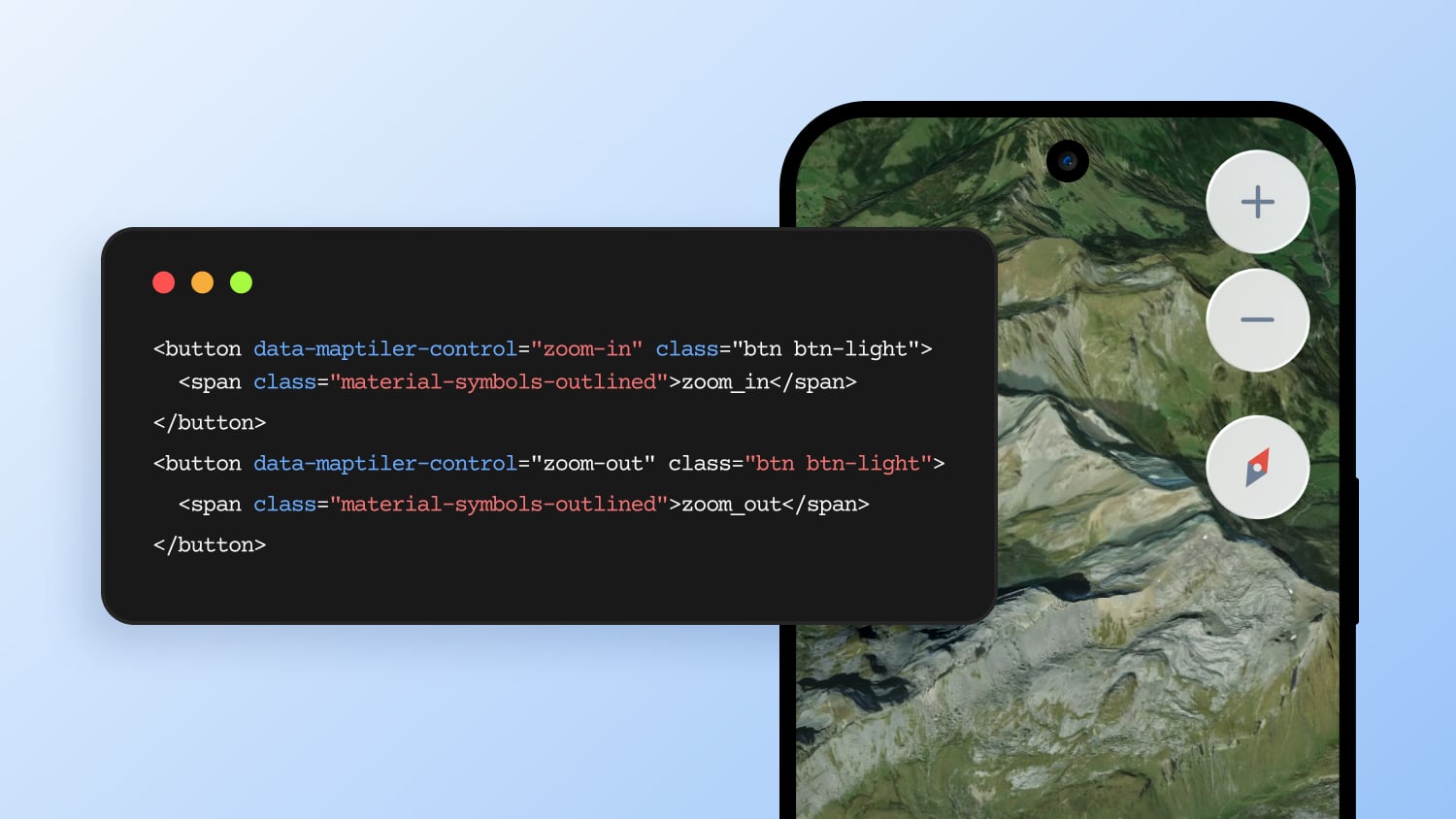
Move beyond customized maps to a fully integrated map experience. With MapTiler SDK JS, you can build custom controls using native HTML and CSS, making the map feel like a built-in part of your application. These controls leverage standard web technologies to ensure they adapt to your design and behave exactly as you want.
Interactive and state-aware
Whether you need a simple branded button or a complex dynamic control panel, MapTiler SDK JS gives you the flexibility to implement it cleanly.
Because controls are standard DOM elements, you can apply any CSS animation or JavaScript logic. Your controls can react to the map state in real time, like synchronizing a custom compass with the map rotation or automatically updating icons when switching to 3D mode.
Full control over UI and behavior
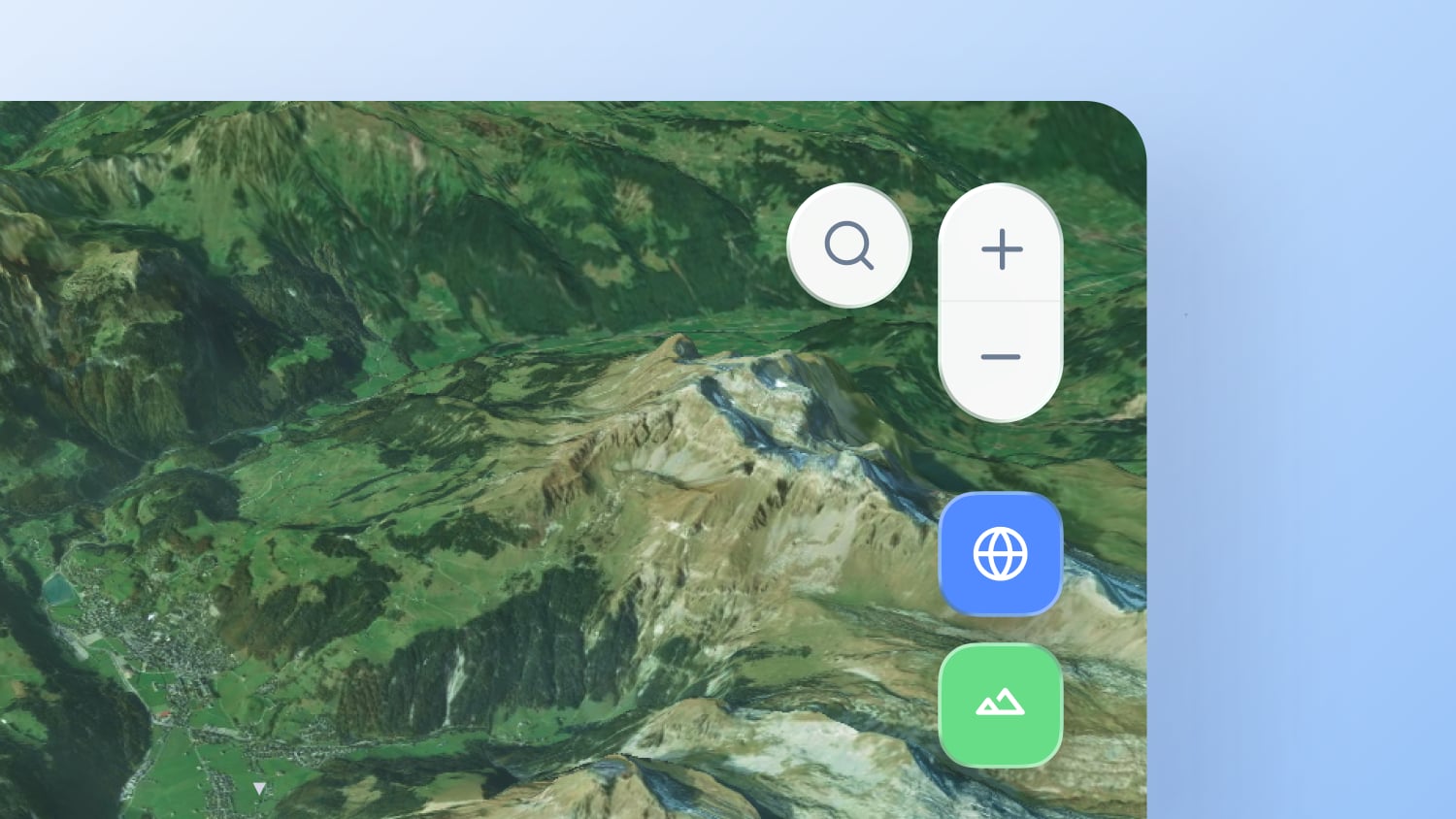
Custom controls have never been easier to implement. Build them using native HTML and CSS, or leverage UI components from Bootstrap, Tailwind CSS, or your own proprietary design system.
By using your own UI elements, the map stops looking like an "embedded iframe" and feels like a native part of your application. We offer two implementation options:
- Declarative way (ideal for simple setups): Define your controls directly in the HTML using attributes like
data-maptiler-control="zoom-in". Check the example. - Programmatic way (best for dynamic logic): Use the
MaptilerCustomControlclass to inject complex logic and manage the component's lifecycle directly from your code. Check the example.
Explore the documentation to see all supported options, events, methods, and examples.