MapTiler Server 4.8 is out now with these key updates:
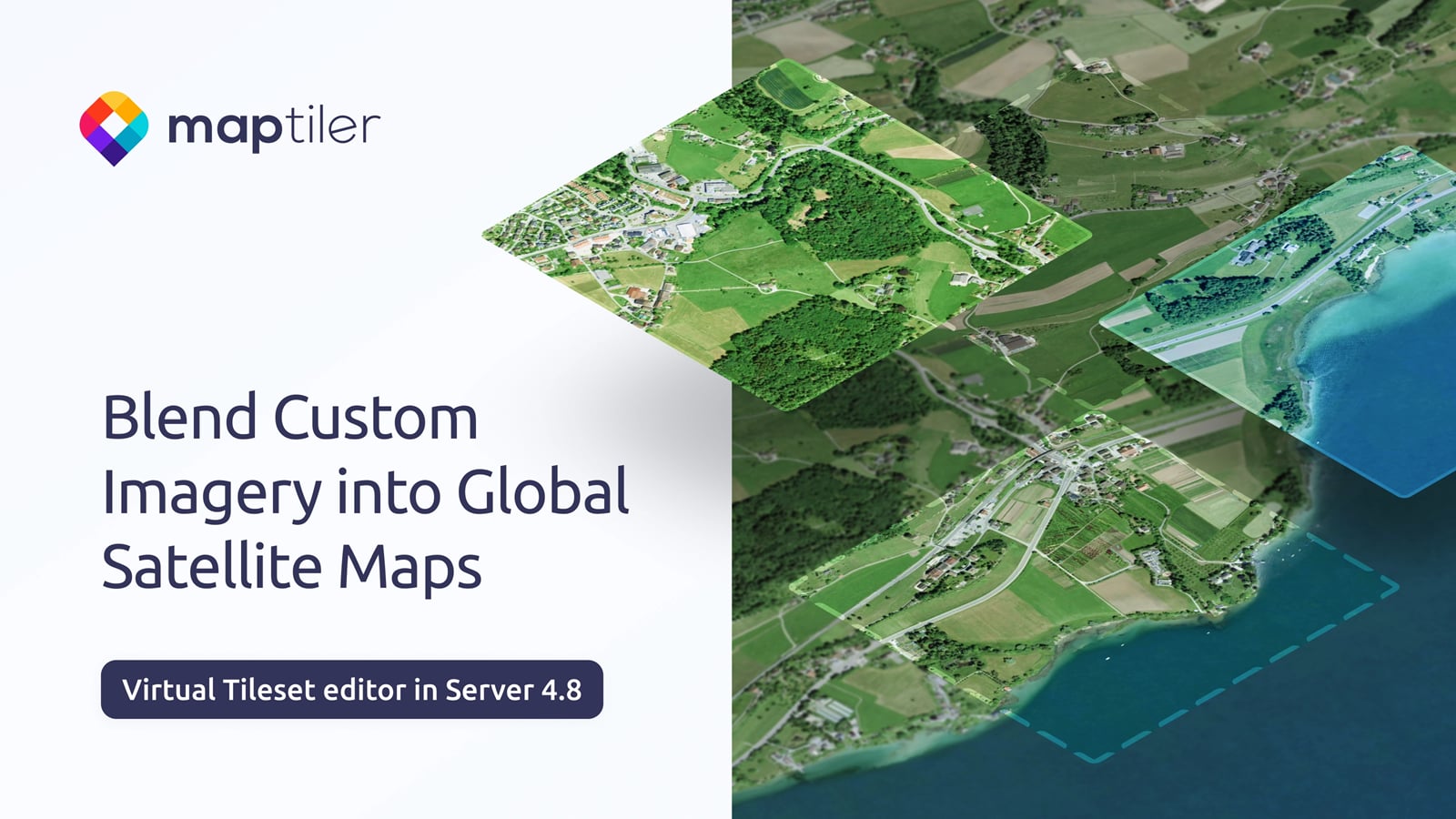
- Blend your own aerial or drone imagery into global satellite maps using a visual editor
- Deploy rapidly to Apple computers with the macOS Installer
- Updated geocoding with world views
We held a webinar about the latest updates to MapTiler Server, which you can watch below.
Download Server 4.8 Watch the launch webinar
Blend imagery datasets into a virtual tileset easily in a visual editor
It is now easier than ever to create a seamless tileset from multiple imagery data sources. This is an important improvement for anyone who wants to:
- Serve their own imagery on top of global maps and make it look seamless
- Reduce time and costs for updating (re-rendering) global tilesets with local changes
- Use combined tilesets on any device via any standard mapping APIs (even WMS and WMTS)
Using the new visual editor, you can adjust the brightness, saturation, opacity, and more of individual imagery layers. The result is a smooth transition as you zoom from low-res to high-res, without any jarring changes in the scene's color.
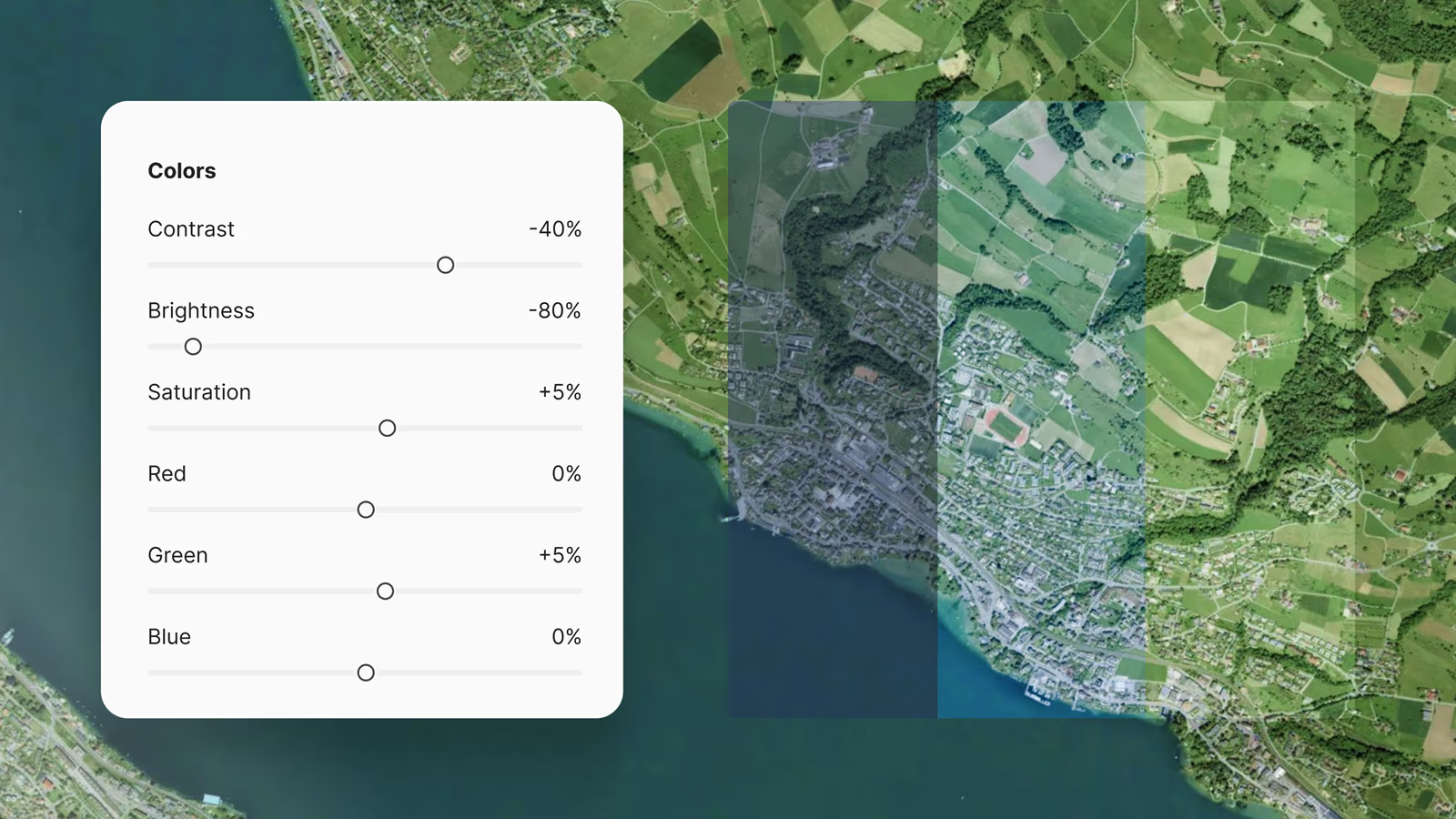
The interface is intuitive, easy to use, and delivers amazing results fast. There are controls to match the brightness, contrast, and saturation of your imagery to the existing map. You can also fine-tune the color by adjusting the Red, Green, and Blue levels. To bring you more detailed imagery gradually, you can change the opacity by zoom level, bringing it to the fore as you zoom in.
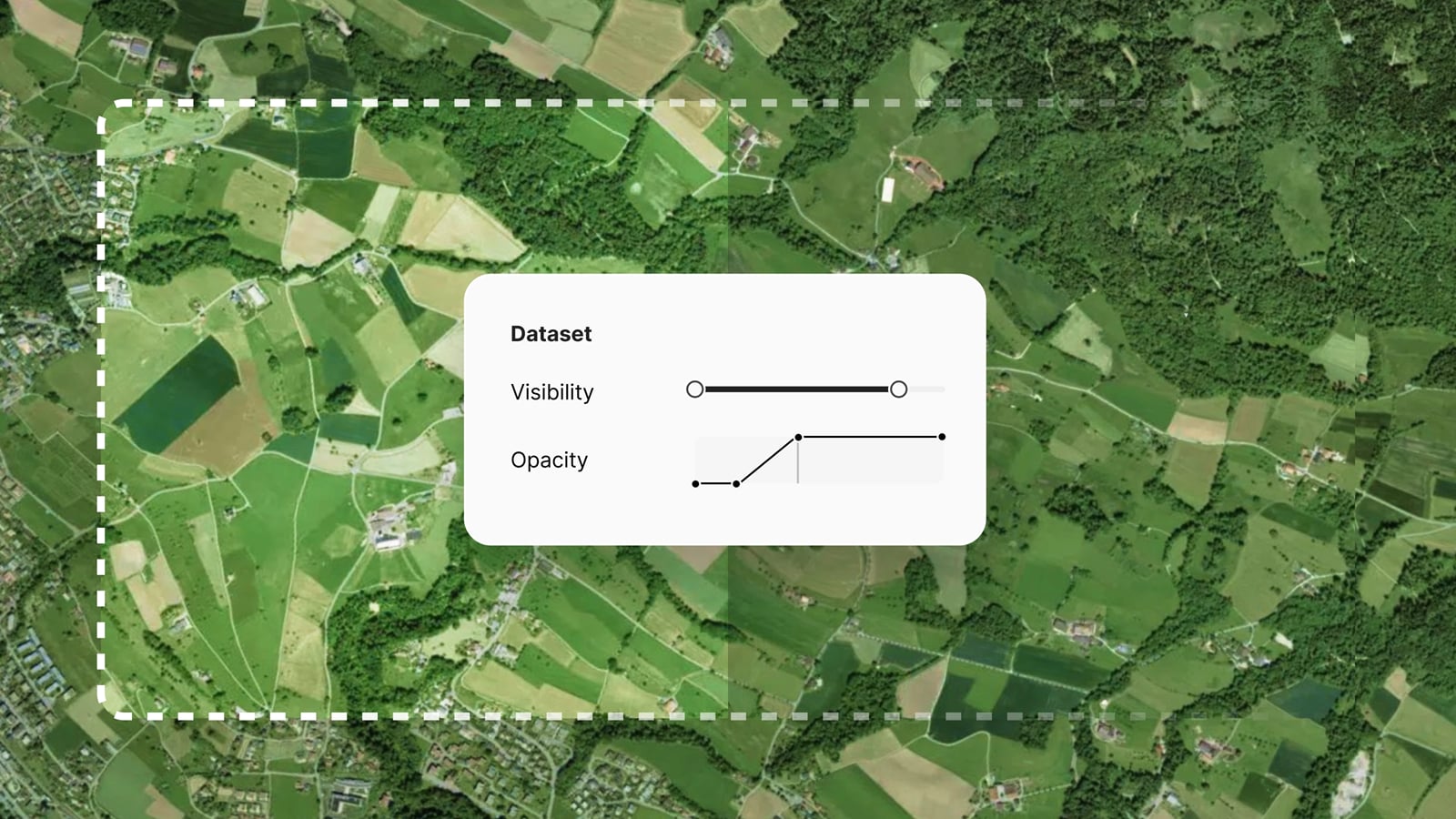
Blend imagery from any format
Working within the On-prem ecosystem, you can use MapTiler Engine to process imagery data in any format into tiles, ready to be blended into the global coverage. Engine can read more than a hundred different formats, including TIFF, PNG, JPEG, JP2, PDF, and ECW, preparing them for blending into a Virtual Tileset in MapTiler Server. Read more >
Rapidly deploy a map server on macOS or any other operating system
With the inclusion of the macOS installer, you can now deploy MapTiler Server on Windows, Linux, or Mac with a few clicks or commands. Read the docs >
MapTiler Server can be deployed simply and easily on Windows, macOS, Linux, Docker, or Kubernetes, and supports both x64 and ARM64 architectures.
Improved searching for On-prem maps
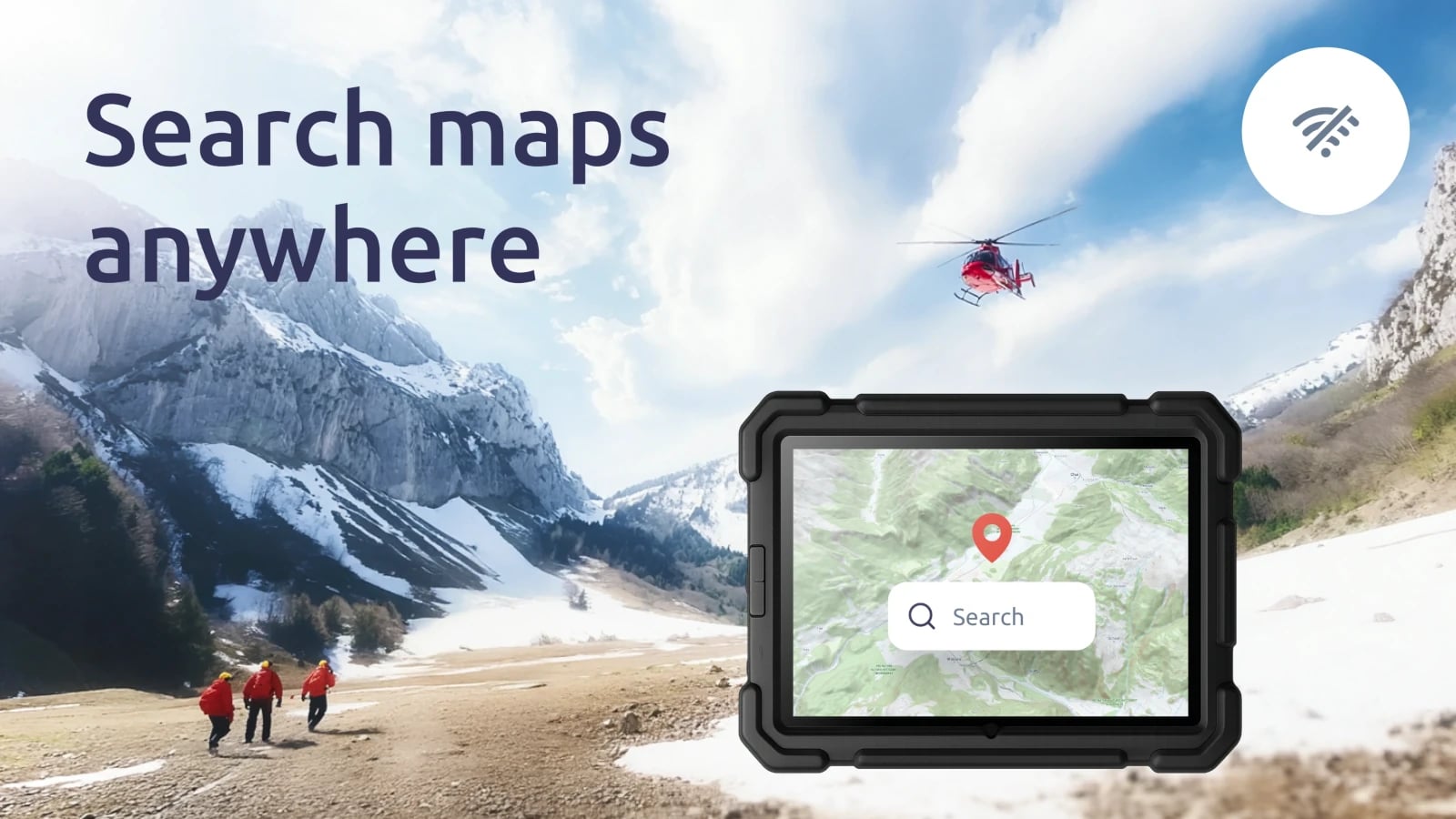
MapTiler Server geocoding now includes world views for the United States and Switzerland. This means, for example, that your users can search for the Gulf of Mexico and the Gulf of America and get the result they expect.
The geocoding service has also been improved for searching by address points, postal codes, and municipal administrative districts.