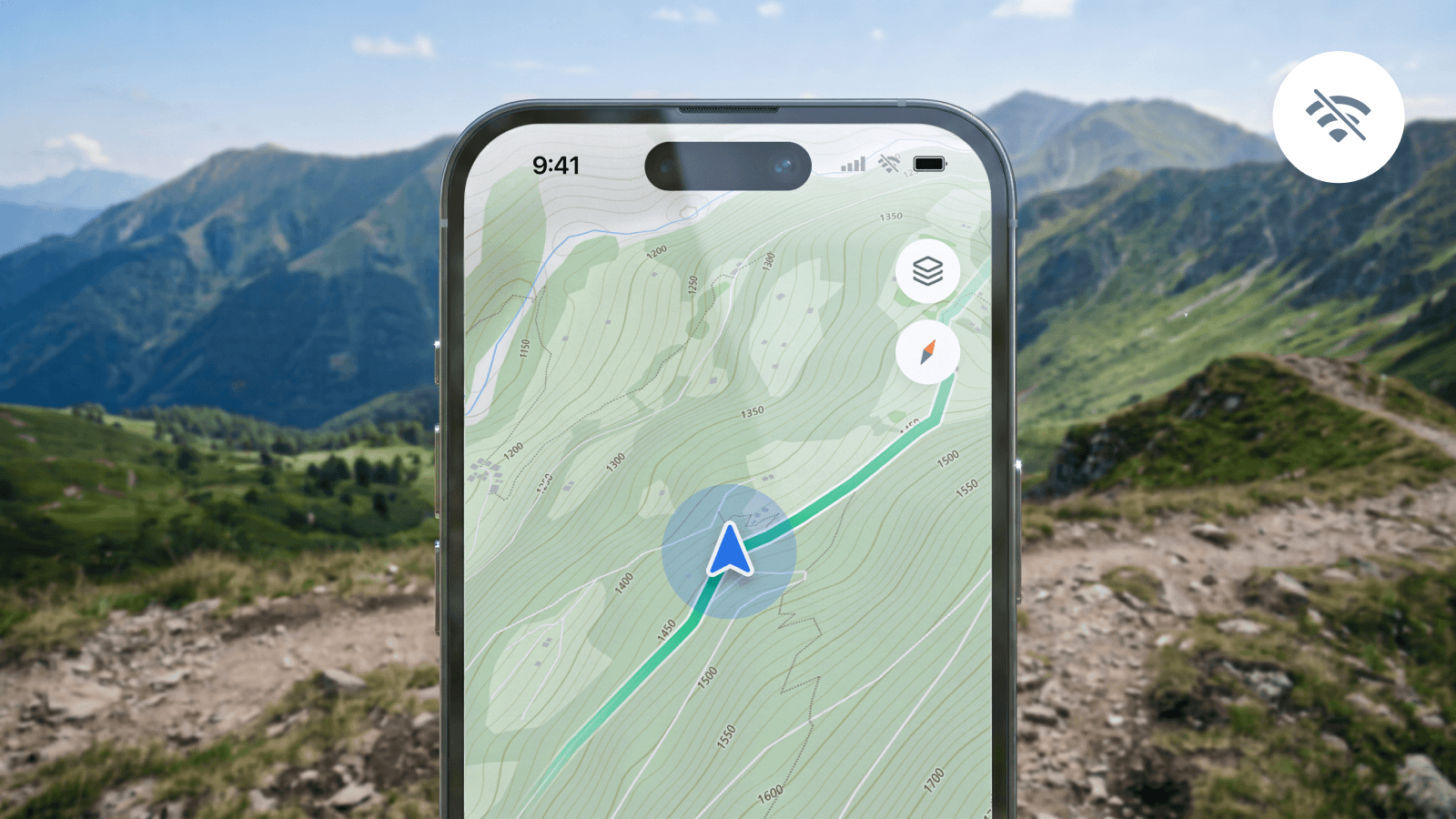
Giving your users offline maps in your app no longer requires handling huge files or complex local storage logic. The new Offline Pack API for MapTiler Swift and Kotlin SDKs brings region downloads directly to native mobile apps.
This is a game-changer for any type of outdoor sports app. For example, a cycling app: when cyclists head into remote valleys where cell service vanishes, pre-installed maps help them safely navigate technical trails and monitor their surroundings without relying on mobile data.
Instead of downloading entire countries or regions, users can save just the specific areas they need for their route.
Download just the parts of a map you need
Now you can constrain offline downloads directly to the desired region; you don't have to save thousands of unnecessary map tiles,
- Along a route (GeoJSON Route): When loading a route in your app, the SDK downloads map tiles only along that path corridor. This keeps file sizes small, downloads fast, and gives riders high-detail terrain mapping everywhere they go.
- Custom riding zones (Polygons): For exploring a specific valley or nature reserve, downloads can be capped within the exact boundary of the riding zone. Users get complete, high-resolution map coverage for the target area while skipping the surrounding countryside.
- Bounding box downloads (BBOX): One tap of a button saves whatever area is currently visible on your user's screen.
Swift & Kotlin SDK tools designed for low connectivity
The new SDKs handle the heavy lifting of offline download management out of the box, giving you built-in control over network requests and local storage:
- Real-time Progress: Track tile count and percentage completion directly in the flight UI.
- Automatic Resume: If an internet connection drops mid-download, the SDK automatically resumes where it left off once the connection returns.
- Storage Management: Easily list, manage, and delete old flight packs to free up device space.
Get started
Offline Pack API’s are live in our native iOS and Android SDKs. Explore the guides and sample code below to start integrating: